It is a short side project away from the OpenCV and Processing thread. In this example, I would like to see if I can load an external class within a Processing sketch. The structure of the program is:
OpenCV and Processing 16
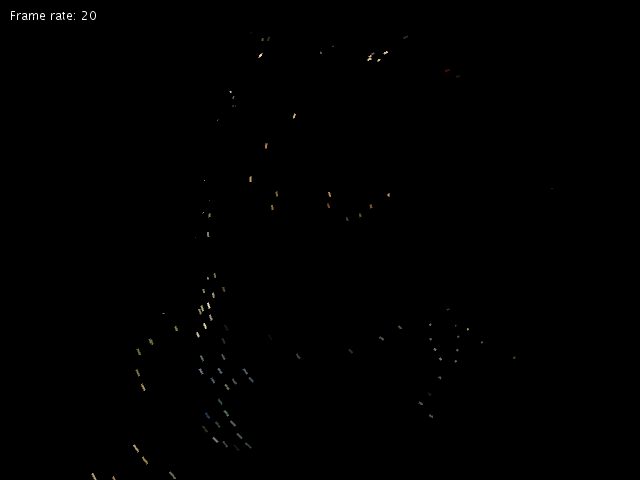
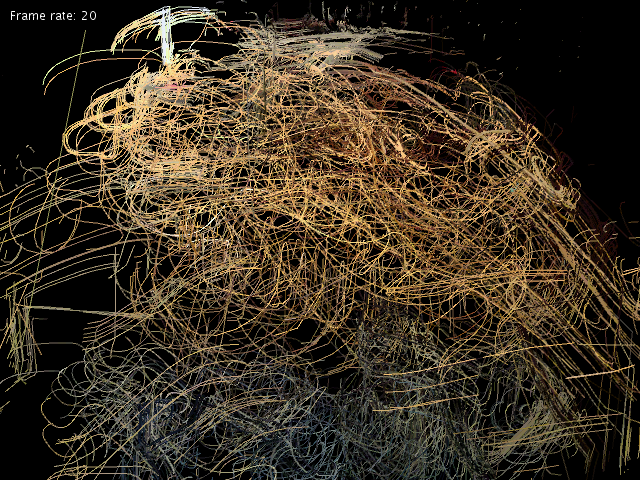
This example continues from the last post to compute the optical flow between 2 greyscale images by using the calcOpticalFlowPyrLK() function in the Video module. The new position of the pixels tracked will be delivered in a MatOfPoint2f object. By using the last and current position of the feature points, we can plot the path of the pixel movements. Furthermore, we can use such information for interactive or generative drawings, found in my artwork, Movement in Time.

Continue reading
OpenCV and Processing 15
The coming example will be the sparse optical flow. Before that, we first work on the 2D feature points tracking. The function goodFeaturesToTrack() belongs to the Imgproc module. It takes in a greyscale image and identifies the feature points (corners) as a matrix of point, MatOfPoint. The sample code here uses the feature points to render a live graphics of the webcam image.


Continue reading
OpenCV and Processing 14
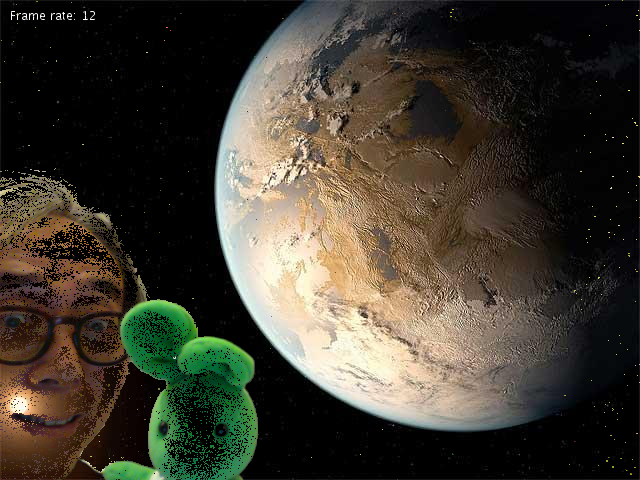
This example continues to explore the Video module in OpenCV. It uses one of the BackgroundSubtractors, the BackgroundSubtractorKNN. It learns the motion in front of the camera and treats the stationary scene as background.
In the code, the important command is
bkg.apply(frame, fgmask); |
The subtractor object bkg takes in the latest frame and generates a foreground mask, fgmask. We can use the foreground mask to single out the foreground moving object.
Here are a number of screen shots from the testing. The background is the planet Earth image from NASA.


Continue reading
OpenCV and Processing 13
In this example, we move on to the Video module of OpenCV 3.0.0. The first function we test is the Dense Optical Flow. It demonstrates the use of the calcOpticalFlowFarneback function. Again it makes use of the previous CVImage object to bridge between the Processing PImage and OpenCV Mat. The example also reduces the size of the video (using the variable factor) before sending it for the optical flow processing; otherwise, the process can be lengthy.
The optical flow process will basically compare two consecutive frames (the Mat last and grey) from the live webcam video. It will try to compute where the current pixels move to in the new frame.
Here are a number of screen shots from the sample run.


Continue reading
OpenCV and Processing 12
The example again adopts the CVImage to demonstrate the use of blur filter. It uses the medianBlur() function from the Imgproc module in OpenCV. Detailed description can also be found in the OpenCV tutorial here.

OpenCV and Processing 11
In this example, I demonstrate the use of the image processing module (Imgproc) with the filter2D function. It is similar to the generic Photoshop filter where you can design the convolution matrix. The example references the OpenCV tutorial and uses a sharpen filter. It also uses the CVImage class in the last post.
Here is a screen shot of the Processing window.

OpenCV and Processing 10
I decide to put together the OpenCV and Processing codes into a class to encapsulate the functions. In this example, I extend the original PImage class and create the CVImage class. Besides the constructor, the following functions are the major interfaces:
- toCV() – copy the content of the PImage pixels[] array to the internal Mat variable cvImg; the internal format for the Mat is BGRA.
- fromCV(Mat) – convert a parameter Mat to the internal storage of Mat and pixels[] array; it accepts input of 1, 3, and 4 channels.
- Mat getBGRA() – output the BGRA Mat from the internal Mat storage.
- Mat getBGR() – output the BGR Mat from the internal Mat storage.
- Mat getGrey() – out the greyscale Mat from the internal Mat storage.
OpenCV 3.0.0 release Java build
Similar to the previous post, it is the Java build of the official release of OpenCV 3.0.0 with the 64 bit versions of Linux, Mac OSX, and Windows. It is now available for download here at
OpenCV 3.0.0 Java build (64 bit)
Copy them to the code folder of any Processing sketch to play.